
Multi-Tenant Architecture
Independent configuration, API keys, and workspace separation for each business entity.
Per-company tokens
Isolated data
Sandbox & Production
Connect your business, validate sales invoices, and submit directly to FBR — all from one secure, Multi-Business workspace.
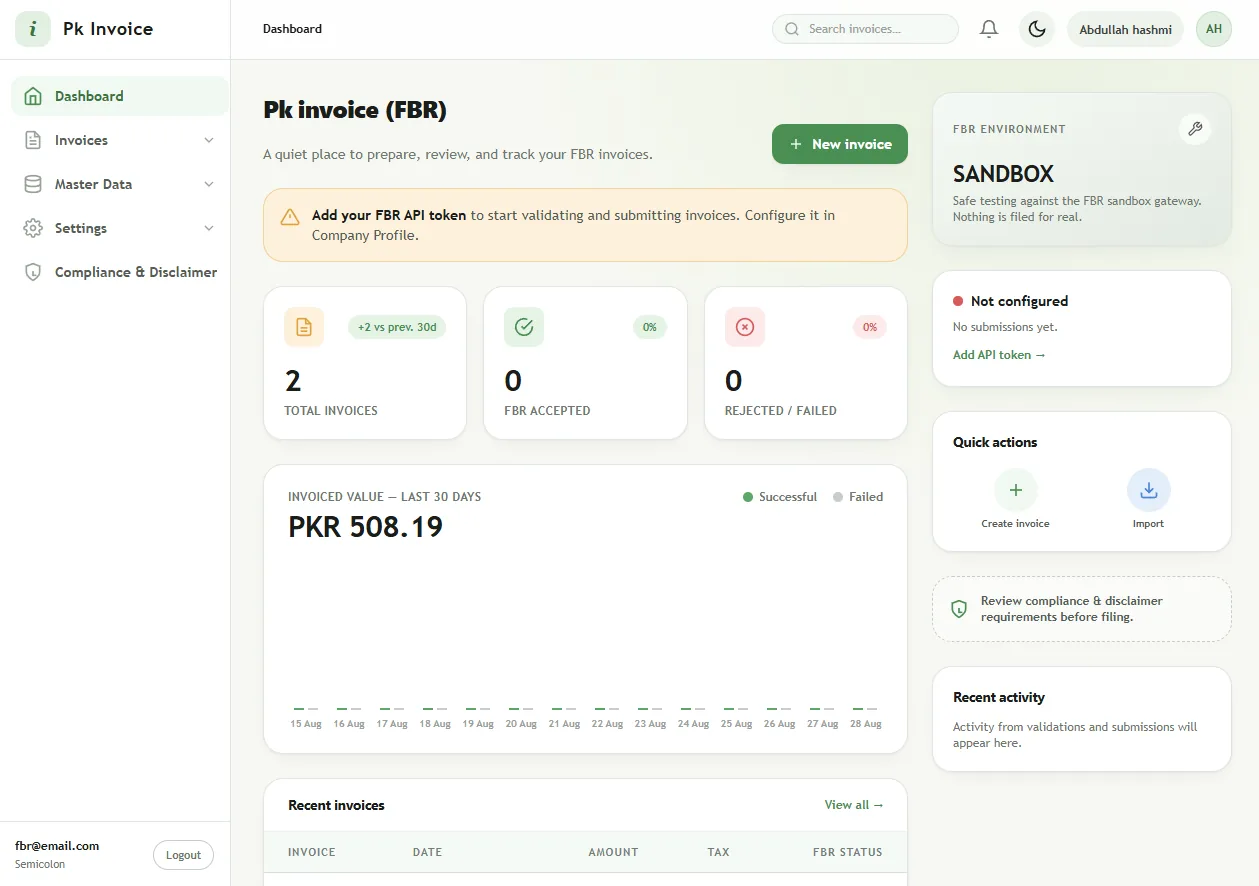
A preview of the Invoxa dashboard — invoice metrics, FBR environment status, and submission activity in one calm workspace. Figures shown are illustrative sample data.
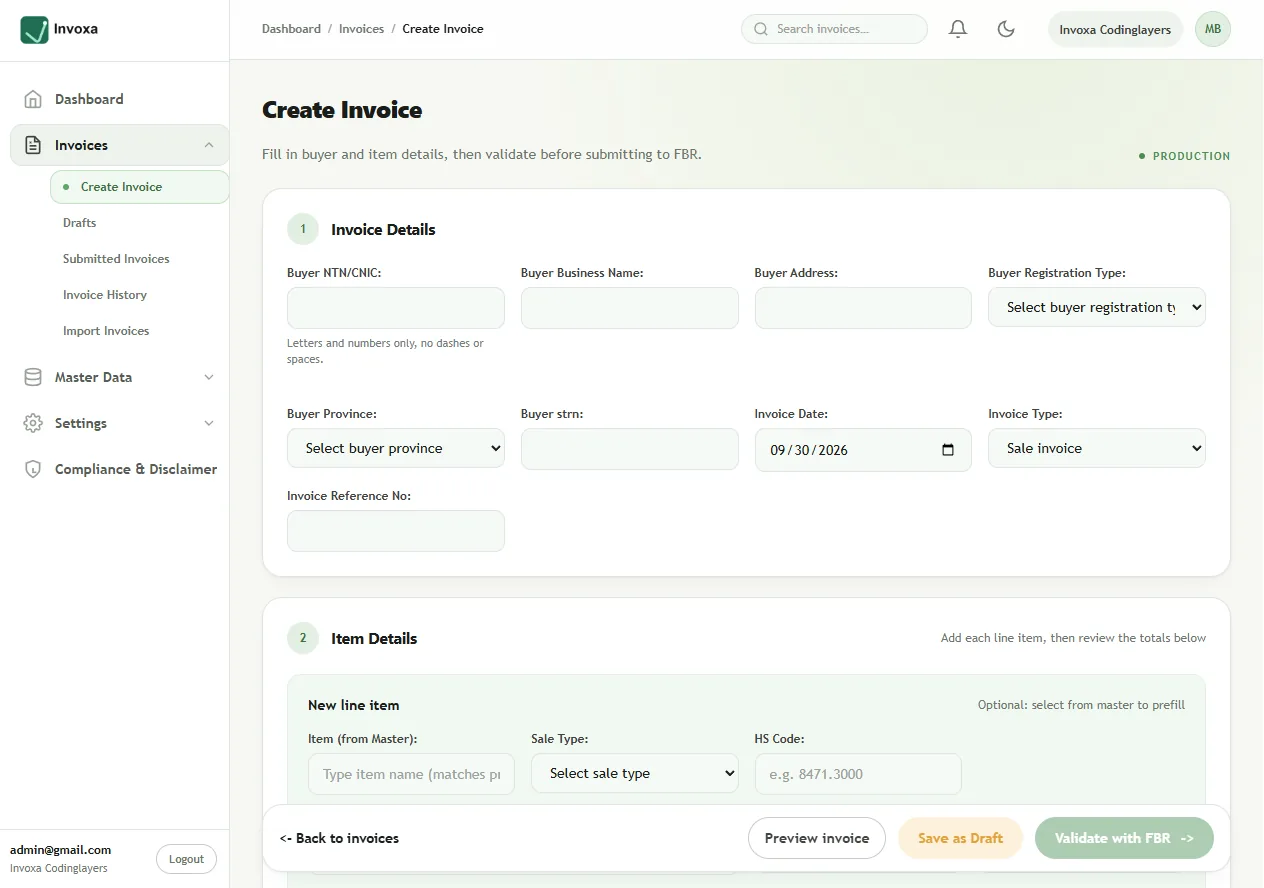
Built specifically to bridge the gap between your enterprise system and government endpoints.
Independent configuration, API keys, and workspace separation for each business entity.
Catch tax calculation and schema errors before transmitting payload to FBR.
Real-time feedback and event triggers whenever an invoice status changes.
Complete chronological logs of every transmission for compliance reporting.
Set up your company profile and tenant settings.
Enter client keys and credentials securely.
Create or ingest invoices via API or bulk upload.
Stream directly to FBR with instant digital signature verification.
Tax consultants, enterprise groups, and software vendors manage multiple business clients side by side — without data ever crossing tenant boundaries.
4,208 invoices · own FBR token · 6 users
312 invoices · own FBR token · 2 users
0 invoices · token pending · 1 user
Example workspaces · Illustrative data
Your tax data is handled with the same rigor FBR expects from you.
Tenant-scoped records keep every company's data separate.
Every request is encrypted in transit with modern TLS.
FBR API tokens are never exposed to the browser or logs.
Continuous backups keep your submission history safe.
One plan. Everything you need to send FBR-compliant invoices.
Rs 8,000
One-time installation (first time setup)
+ Rs 1,000 First month subscription
Total due at start: Rs 9,000
Everything businesses ask us about FBR digital invoicing before switching to Invoxa.
FBR digital invoicing is Pakistan's Federal Board of Revenue system for reporting sales tax invoices in real time. Invoxa creates your invoices, validates them against the FBR Digital Invoicing API and submits them electronically, so your business stays compliant without manual portals.
Yes. Each company stores its own FBR API token and chooses sandbox or production inside Invoxa. You can test everything in the sandbox first, then switch to production when FBR activates your integration.
Yes. Upload CSV or Excel files, or use the Invoxa Windows agent to sync exports from your existing billing software. Every import is validated row by row and duplicate invoices are detected automatically.
Rs 8,000 one-time setup plus Rs 1,000 for the first month (Rs 9,000 to start), including 30 invoices per month. There are no hidden charges and no long-term contract.
Still have a question? Read our guides or write to support@invoxa.codinglayers.tech.
Set up your workspace and automate your tax reporting from day one.